
Gopunt Login: Sign In to Your Gopunt Online Account
Use this page to understand how the Gopunt login works, what to do if your username or password is rejected, and how to keep your account safe. Enter your details in the form, or read the guide first. Play only with money you can afford to lose.
- Phone, tablet and laptop
- Official-link checks
- 18+ only
- Set your own limits
What Is the Gopunt Login and Who Is It For?
The Gopunt login is the sign-in step that connects you to your account on Gopunt online. You enter the username and password you were given or created, and the platform opens your balance, your open positions and the markets you follow. Without a valid login, none of that is visible, which is why a clean, secure sign-in matters more than most people think.
This page is written for adult users in India who already hold a Gopunt account, or who are about to create one. If you are new, you will learn what the username and password fields expect, how recovery works and what a genuine login screen looks like. If you are returning, the troubleshooting table and safety checklist below will save you time the next time something goes wrong.
Gopunt online is described by its users as a cricket-first platform with sports markets and casino-style games. Details such as available markets, limits and payment routes can change, so confirm them on the live platform after you sign in.

Three Things to Know Before You Sign In
Username and password
Your login is a pair: the username you were assigned or chose, and a password only you know. Both are case-sensitive on most panels, so type them exactly as issued.
A clear support route
If the form rejects your details, use the support link under the LOGIN button rather than guessing repeatedly. Repeated wrong attempts can lock a panel.
Recovery without risk
Forgot Password and account-creation links sit under the form. Use them from the official page only, never from a link sent by a stranger.
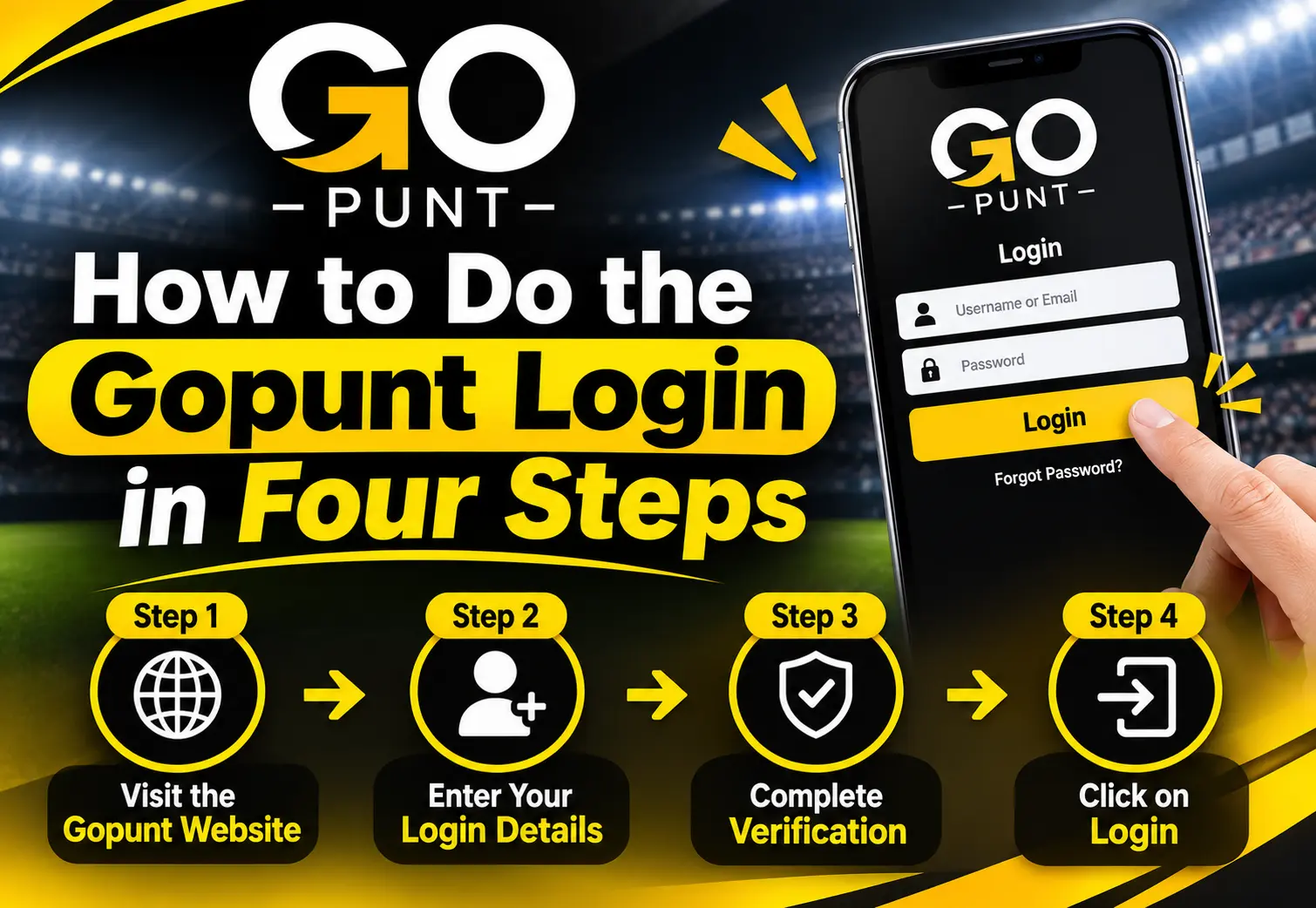
How to Do the Gopunt Login in Four Steps
- Open the official Gopunt pageType the address yourself or use a bookmark you saved earlier. Confirm the domain and the padlock before you enter anything.
- Enter your User NameType the username exactly as it was issued. Avoid adding spaces at the start or end, which autofill sometimes does.
- Enter your PasswordUse the password for this account only. Tap the show icon if your device offers one, to catch typing slips on a small keyboard.
- Press LOGINWait for the page to finish loading. If it returns an error, read the message once and check the table further down before retrying.
Why Your Gopunt Login Fails and How to Fix It
Most failed sign-ins come from small, fixable causes. Use the table to match what you see on screen with the most likely reason and the safest next step.
| What you see | Likely cause | What to do |
|---|---|---|
| Invalid username or password | Typing slip, caps lock, or an old password | Retype slowly, check caps lock, then use Forgot Password. |
| Page keeps loading | Weak network or a busy period | Switch between Wi-Fi and mobile data, then refresh once. |
| Login works, but the balance looks empty | A different account or a pending transaction | Log out, sign back in with the right username, and check your transaction history. |
| Account locked or blocked message | Too many wrong attempts or a verification flag | Stop retrying and contact support using the link under the form. |
| Link opens a different-looking page | A fake or copied site | Close it. Do not type your details. Go back to the official address. |
One rule applies to every row: never share your password with anyone who contacts you first, including people who claim to be support staff. Genuine support can help you reset access without asking you to read your password aloud or send it in a message.
Forgot Password? A Safe Way Back In
- Open Forgot PasswordUse the link under the login form on the official page.
- Confirm who you areFollow the prompts the platform gives you. This may involve your registered mobile number or a support check.
- Set a new passwordChoose a long, unique password you have never used elsewhere, then log in again.
New Here? Create Your Gopunt Account
- Tap Create an accountThe link sits under the LOGIN button. Some platforms route this step through a support agent, so follow the route you are shown.
- Give accurate detailsUse your real name and a mobile number you control, so recovery and withdrawals are not delayed later.
- Verify and secureComplete any identity check requested, set a strong password and decide your spending limit before your first deposit.
Six Habits That Keep Your Gopunt Login Safe
Check the address
Look for the correct domain and https every time. One changed letter is the classic sign of a fake page.
Never share credentials
Support will not need your password. Treat it like an ATM PIN.
Use a unique password
Reusing a password means one leak can open every account you own.
Log out on shared devices
Close the tab and sign out if you used a friend's phone or a cyber cafe PC.
Beware of forwarded links
Messages offering free credit or urgent unlocks are common phishing bait.
Keep the device updated
A current browser and phone system block many known attacks.
Gopunt Login on Mobile and Desktop
The same account works across devices, so choose the one that suits the moment. Most Indian users sign in from a phone, often on a mid-range handset and a changing network. A stable connection and a current browser prevent most timeouts.
| Factor | Phone | Laptop |
|---|---|---|
| Convenience | Always at hand during live matches | Easier for long sessions and multiple tabs |
| Typing passwords | Autofill helps, slips are common | Faster and more accurate |
| Security habit | Lock screen and updates matter | Avoid public or shared computers |


What You Can Do After You Log In
Once signed in, Gopunt online typically shows live and upcoming matches in cricket, soccer and tennis, each with Back and Lay prices, plus a casino lobby with crash and table-style games. A search bar helps you find a team or title quickly. Exact markets depend on the day’s fixtures.
Funds are handled through the deposit and withdrawal options inside your account. Always use the methods named on the official panel, keep screenshots of each transaction and read the withdrawal rules before you add money. Never pay into a personal account because a chat contact asked you to.
Before your first stake, open the account settings and look for deposit limits, session reminders and self-exclusion. Setting them takes a minute and gives you control when excitement is high.
Play Responsibly and Know the Law
Betting is paid entertainment, never an income plan. Use only spare money, set a budget before you sign in and stop when it is spent. Chasing losses is the most common trap. If you hide your activity, borrow to play or feel restless away from the app, take a break and speak to someone you trust.
Online wagering rules in India vary by state and have been changing, and some forms of real-money play are restricted or prohibited. You must be 18 or older, and you are responsible for checking what applies where you live. This page is information only and is not legal advice.
Logging In on Match Day: Practical Tips
Live cricket creates the busiest moments for any platform, and a rushed login is where mistakes happen. Sign in before the toss rather than in the middle of an over, so a forgotten password or a slow connection does not push you into a hurried decision. If recovery is needed, you will have time to do it calmly and safely.
Keep your credentials in a reputable password manager instead of a screenshot or a chat message to yourself. A manager also fills the correct page only, which quietly protects you from lookalike sites. If you share a phone with family, use a separate browser profile so your account never opens for someone else.
Finally, watch for common mistakes. People often retry a wrong password a dozen times and trigger a lock. Others click a login link from a social post because it looked official. A third group stay signed in on a public computer. Each of these is avoidable with one habit: go to the official address yourself, sign in once, and sign out when you finish.
It also helps to review your account once a week. Check your username, recent logins and transaction history, and update your password every few months. Small routines like these take two minutes, yet they catch problems early, keep your records tidy and make any support conversation faster because you already know exactly what happened and when. Share your account details with nobody, including friends who ask to try the platform, and keep a short note of your own spending limit where you can see it. Treat the login as the front door to your money, and lock it every time.
If you ever suspect that someone else has used your account, change the password at once, tell support through the official link and review your recent activity. Acting early limits the damage and helps the team protect your balance.
Gopunt Login FAQs
Open the official Gopunt page, enter your User Name and Password exactly as issued, and press LOGIN. Check the address and padlock before you type anything.
Use the Forgot Password link under the login form and follow the prompts. If that does not work, contact support through the official link. Never share your password with anyone.
The usual causes are a typing slip, caps lock, extra spaces or an old password. Retype carefully once, then use password recovery instead of guessing repeatedly.
Yes. The page is built for phones as well as tablets and laptops. Use an updated browser and a stable connection for the smoothest sign-in.
Tap Create an account under the login form and follow the route shown. Use accurate details and complete any verification requested. [VERIFY] exact steps
No. Forwarded links are a common route for fake pages. Type the official address yourself or use a bookmark you saved earlier.
Genuine support should not need your password. Treat any request for it as a warning sign and stop the conversation.
Accounts can be locked after repeated wrong attempts or a verification flag. Stop retrying and contact support using the link beside the login form. [VERIFY]
Many platforms ask for identity checks before withdrawals. Keep a clear ID photo and proof of address ready. [VERIFY]
Rules differ by state in India and are changing. Check your local law before registering. This site does not offer legal advice.
Ready to Sign In to Gopunt Online?
Check the address, enter your details, set your limits and then play. Login mein dikkat ho to support se baat karein.
Disclaimer: This page is for information only and is not an invitation to gamble. You must be 18 or older. Betting involves financial risk and may be restricted in your state. Seek help if gambling stops being fun.